Inside the app · Sample data
See it on your phone.
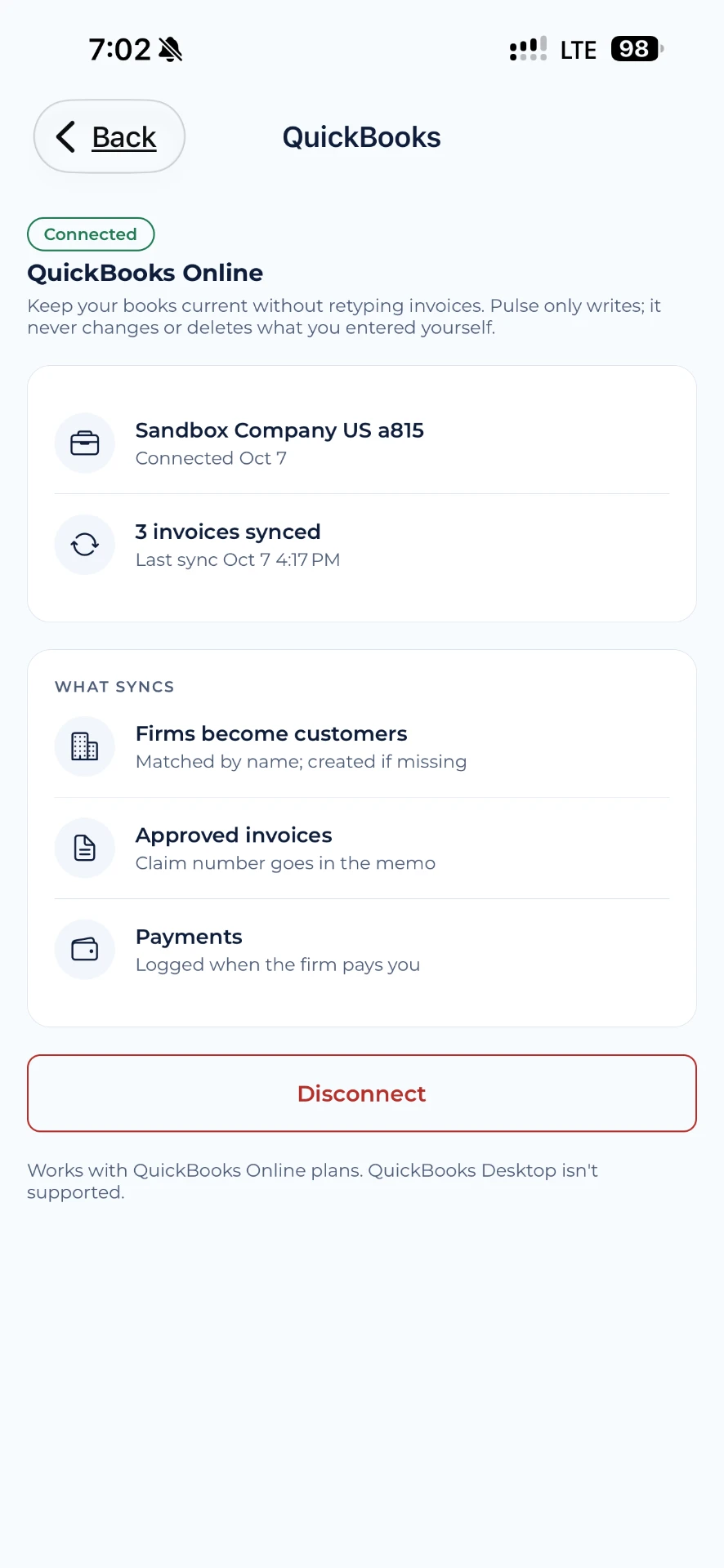
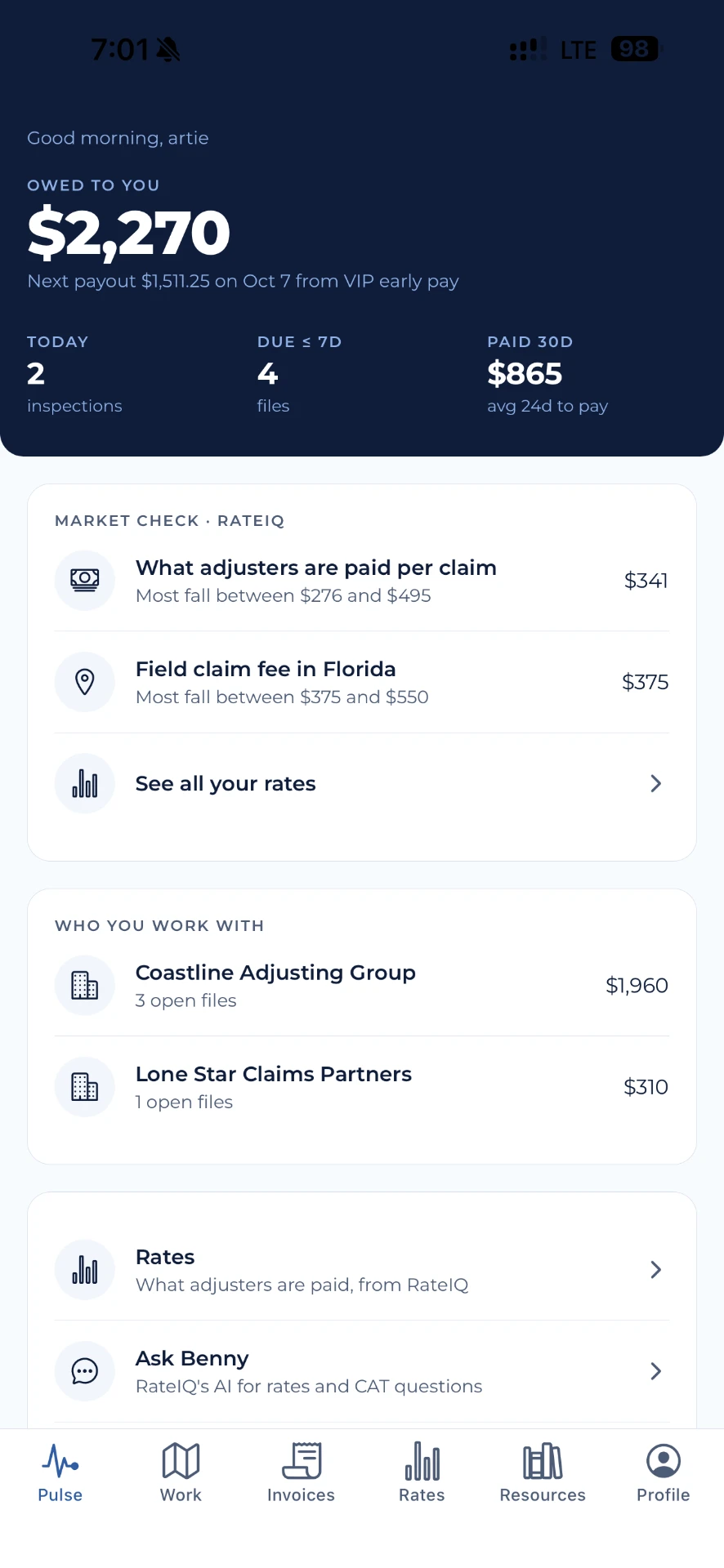
Connect VIP to your QuickBooks so invoices and payments you handle in VIP show up in your books. Pair it with the mobile app and Prompt Pay™.
Invoices created in VIP flow to QuickBooks.
Payments, including Prompt Pay™, are recorded against the right invoice.
Invoice from your phone, see it in your books.
Give eligible professionals an optional view of early-payment offers, fees, consent, and recorded transaction details.
Compare an optional early-settlement discount with disclosed terms before deciding whether to accept.
Track invoice status, approved share, queued payout instructions, external remittance, and recorded payment events separately.
The VIP app for iPhone, coming first to the Apple App Store.